
Festival Wristband Registration Troubleshooting Guide: Fix RFID Issues Fast
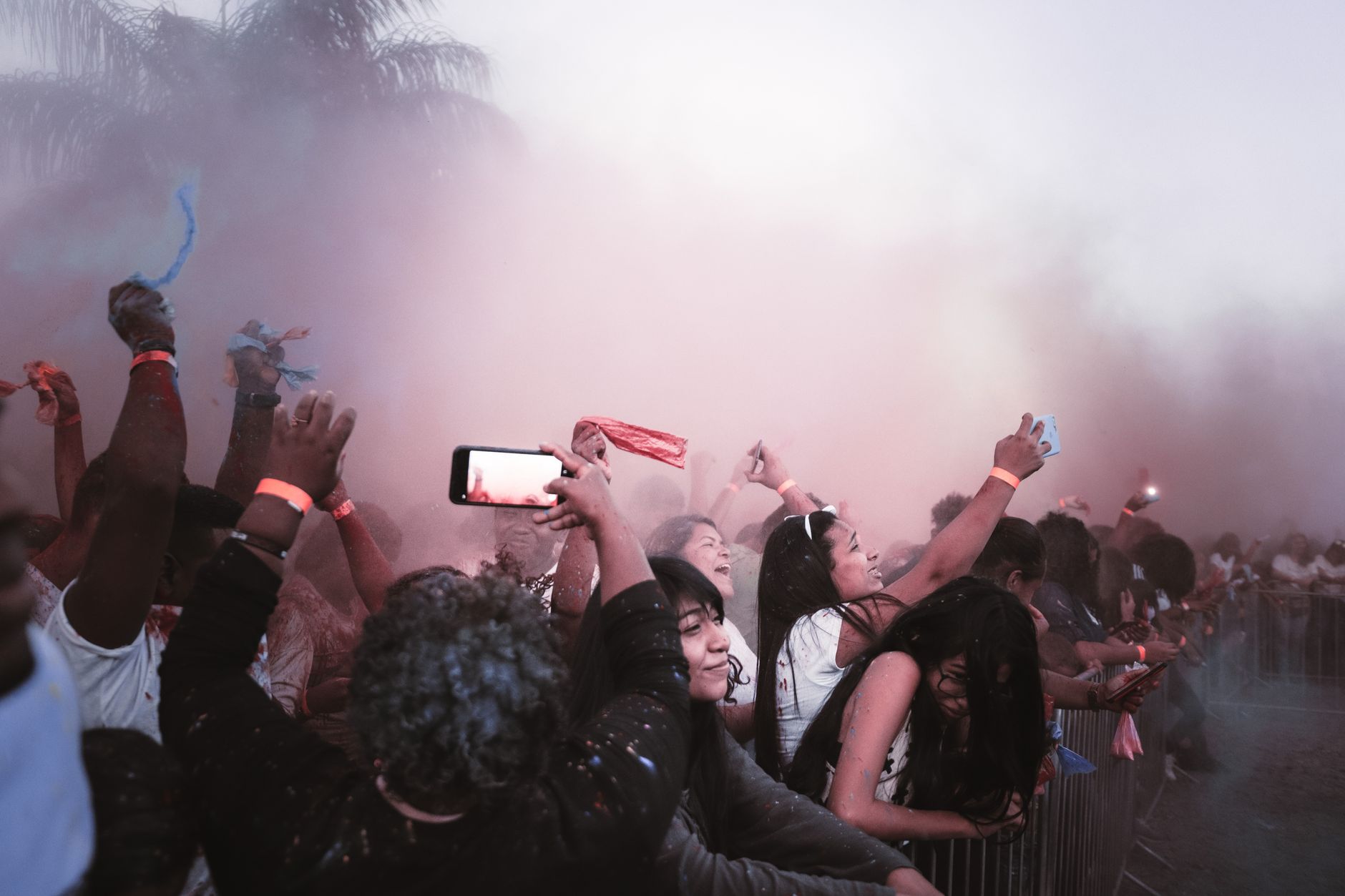
You just scored tickets to a 2026 festival, the lineup dropped, and your crew is already planning outfits. Then the email lands: “Register your wristband before arrival.” You click the link, type in the code, and — nothing. Error message. Or worse, the wristband arrives in the mail and the registration portal won’t recognize it at all.
If this sounds familiar, you’re not alone. As festivals like Coachella, Lollapalooza, Bonnaroo, and Electric Forest have gone fully cashless with RFID-enabled wristbands, registration issues have become one of the most common pre-festival headaches. A 2025 survey by Festicket found that roughly 1 in 8 festival attendees experienced some kind of wristband activation or linking problem before their event. That’s a lot of stressed-out fans refreshing a broken portal at midnight.
This festival wristband registration troubleshooting guide walks you through every common issue — from invalid codes to payment linking failures — and gives you the exact steps to fix them before you’re standing at the gate watching everyone else walk in.
Why Wristband Registration Matters More Than Ever in 2026
Gone are the days when a wristband was just a piece of fabric that got you past security. Modern festival wristbands are RFID-enabled devices that handle entry, cashless payments, locker access, and even personalized experiences like photo ops and set-time reminders.
Major festivals have doubled down on the technology. Coachella expanded its RFID system in 2025 to include real-time crowd flow tracking. Lollapalooza now requires wristband registration before you can even link a payment method. And Bonnaroo’s 2026 system ties your wristband to your camping pass, shuttle reservations, and merch pre-orders all in one profile.
The upside? Faster entry, no fumbling for cash, and a digital record of your purchases. The downside? If your wristband isn’t registered and linked correctly, you could be locked out of everything — including the festival itself.
That’s why getting registration right (and knowing how to fix it when it goes wrong) is essential.
Common Registration Errors and How to Fix Them
Let’s get into the problems you’re most likely to hit, ranked from most to least common based on festival support forums and Reddit threads from the 2025 season.
“Invalid Wristband Code” Error
This is the number one complaint. You enter the alphanumeric code printed on your wristband’s RFID chip tag and the system rejects it.
Fixes to try:
- Double-check the code. The characters 0/O, 1/I, and 5/S are easy to confuse. Try swapping them.
- Remove spaces or dashes. Some portals want the code as one continuous string; others auto-format it. Try both.
- Wait 24-48 hours after receiving the wristband. Some festivals batch-activate codes, and yours may not be live in the system yet.
- Try a different browser or device. Chrome and Safari handle some festival portals differently. Mobile apps sometimes work when desktop sites don’t.
If none of that works, screenshot the error and email the festival’s support team with your order number and wristband code. Most festivals respond within 48-72 hours during peak season.
Wristband Already Registered to Someone Else
This happens more often than you’d think, especially if you bought tickets through a resale platform or received the wristband from a friend.
What to do:
- Contact the person who originally registered it and ask them to deactivate or transfer the wristband through their festival account.
- If you bought through an official resale partner (like Lyte or the festival’s own exchange), contact that platform’s support — they can force-reset the registration.
- If the wristband came from an unofficial resale (Craigslist, Facebook Marketplace), you may be out of luck. This is one reason we always recommend using official resale channels.
Payment Linking Failures
You’ve registered the wristband, but when you try to link your credit or debit card for cashless purchases, the system declines it or loops you back to the start.
Quick fixes:
- Use a card, not a digital wallet. Some festival portals don’t accept Apple Pay or Google Pay during the linking process — they want the raw card number.
- Check your bank’s fraud settings. Some banks flag festival registration charges (usually a $1 pre-authorization) as suspicious. Call your bank or check your app to approve it.
- Try a different card. Prepaid cards and certain international cards are sometimes rejected outright.
- Clear your browser cache. Stale cookies can cause the payment form to malfunction.
The Portal Crashes or Won’t Load
Festival registration portals are notorious for crashing in the weeks leading up to the event, when thousands of attendees try to register simultaneously.
Workarounds:
- Register early. As soon as your wristband ships, activate it. Don’t wait until the week of the festival.
- Try off-peak hours. Early morning (6-8 AM in the festival’s time zone) tends to have the lowest server load.
- Use the festival’s official app if one exists. Apps often have a more stable registration flow than mobile browsers.
What to Do If Your Wristband Arrives Damaged or Doesn’t Arrive at All
Physical wristband issues are less common but more stressful because you’re dealing with shipping timelines.
Damaged RFID chip: If the plastic tag on your wristband is cracked, bent, or the code is scratched off, contact the festival immediately. Most will ship a replacement if you report it at least 14 days before the event. After that window, you’ll likely need to visit the on-site customer service tent with your ID and order confirmation.
Wristband never shipped: Check your order confirmation for a tracking number. If the festival uses a third-party fulfillment company (many use companies like PouchNATION or Intellitix), the tracking may come from a different email address than the festival’s. Search your inbox for “wristband,” “fulfillment,” and “shipping” to make sure you didn’t miss it.
If the event is less than 10 days away and your wristband still hasn’t arrived, most festivals have a will-call option at the box office. Bring your photo ID, order confirmation, and the credit card used for purchase.
Pro Tips to Avoid Registration Headaches Entirely
Prevention beats troubleshooting every time. Here’s how to set yourself up for a smooth experience:
- Register within 48 hours of receiving your wristband. Don’t procrastinate. The earlier you register, the more time you have to fix issues.
- Screenshot your confirmation. After successful registration, take a screenshot of the confirmation page showing your wristband code and linked payment method. Save it to your phone’s camera roll and email it to yourself as a backup.
- Don’t remove the wristband once it’s on. Most festival wristbands have a one-way locking mechanism. If you put it on too tight or need to remove it, you’ll have to cut it off — and a cut wristband is a dead wristband.
- Link a backup payment method. If the portal allows it, add a second card. If your primary card gets declined on-site (fraud alerts happen), you’ll have a fallback.
- Test your wristband at the entry gate early. On day one, arrive during off-peak hours if possible. If there’s an issue, the customer service line will be shorter.
Final Thoughts: Don’t Let a Glitch Ruin Your Weekend
Wristband technology has made festivals more convenient in a lot of ways, but it’s also added a new layer of pre-event logistics that can trip people up. The good news is that nearly every registration issue has a fix — it just takes a little patience and knowing where to look.
Use this festival wristband registration troubleshooting guide as your reference the moment anything goes sideways. Register early, double-check your codes, keep screenshots of everything, and know that on-site customer service tents exist for a reason. The festival wants you through those gates just as much as you want to be there.
Now go register that wristband and get back to the fun part — planning which sets you’re not going to miss.
Like what you're reading?
Check out our recommended partner for this niche.
Novem Astra Global Media →